 Visto Docs
Docs home/Settings and maintenance
Network and remote access
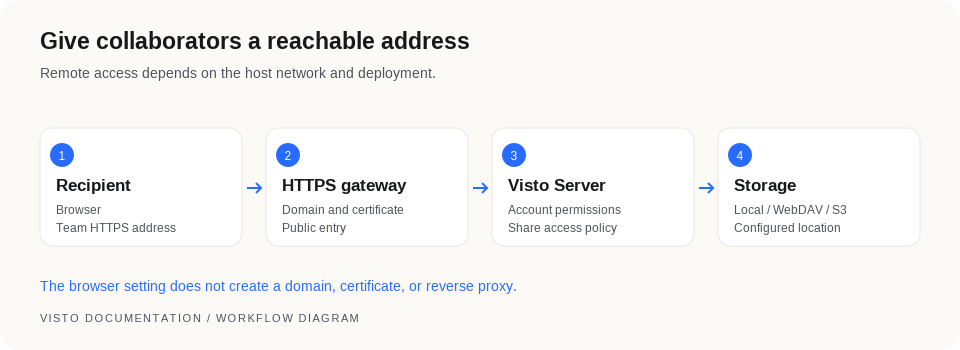
A local address is usable on the host. Team collaboration needs a reachable team address; public collaboration also needs suitable HTTPS, proxy, and network configuration.
Configure access
- The host administrator configures a reverse proxy, domain, certificate, and firewall as needed.
- The Owner configures the workspace's external access address and related policy.
- Check login and project access from a second device.
- Test a share from the recipient's network.
A page's HTTPS requirement does not obtain certificates or set up the proxy for you. Do not send 127.0.0.1 to someone using another device, and do not expose the Core port directly as an unprotected public entry.
Host configuration can force policies that the browser cannot override. Give members the correct HTTPS address, any required network/VPN instructions, and their own invitation or login details.