 Visto Docs
Docs home/Projects and media
Create and manage projects
Separate customers, delivery batches, or access boundaries into different projects.
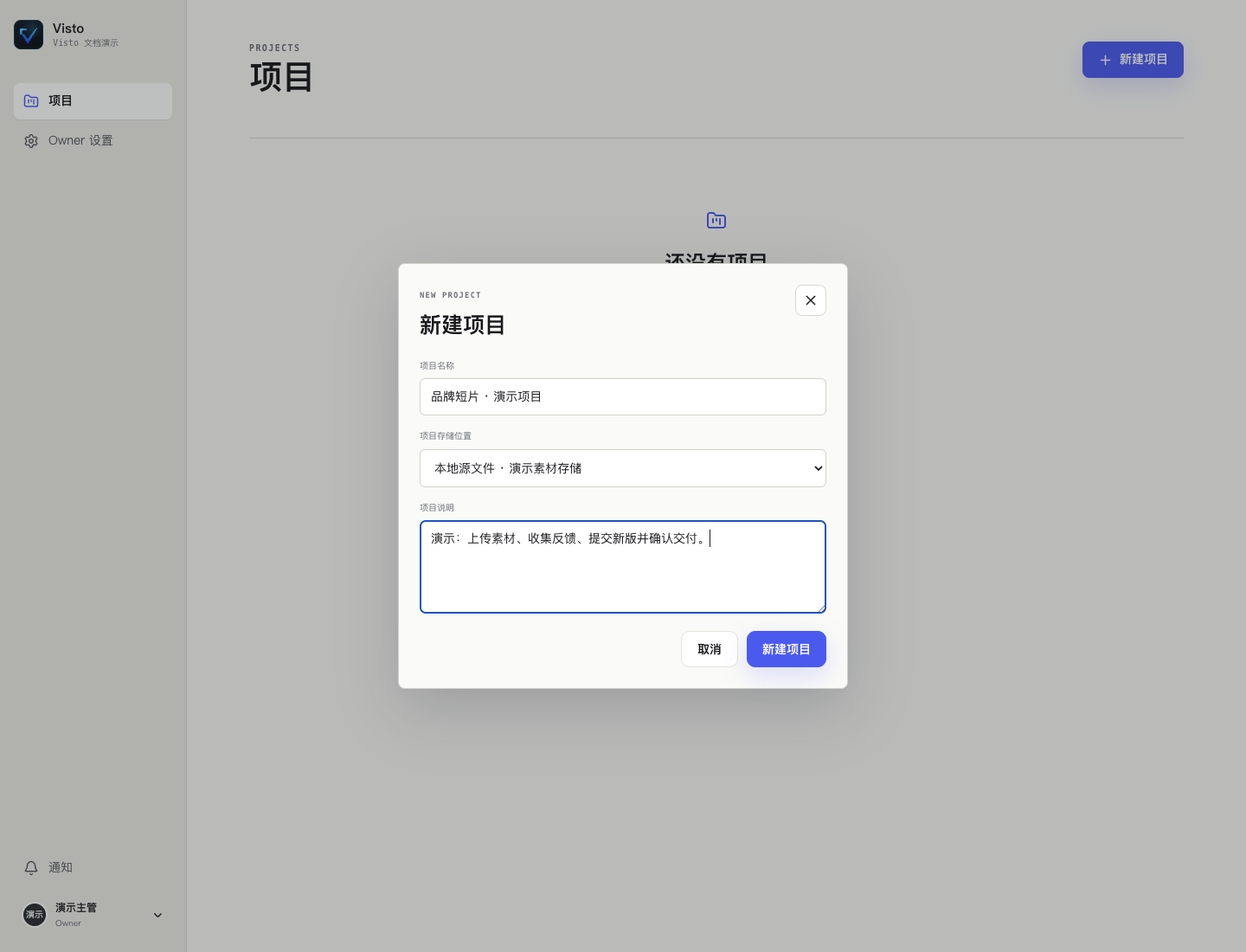
Create a project
- Open the project list and select New project.
- Enter a recognizable project name.
- Select an upload location authorized by the Owner.
- Describe the deliverables, people responsible, and deadline.
- Save and confirm you have entered the intended project.
If there is no storage choice, ask the Owner to configure storage. There is no need to scan the host for a new project.
Maintain project settings
The project supervisor manages project information and members within that project. Choose only authorized storage. If transferring responsibility, use the project's transfer flow and check the new supervisor and your remaining role.
If a member cannot see a project, check their workspace, account, membership, status, and expiry. Having an account does not automatically grant access to every project.